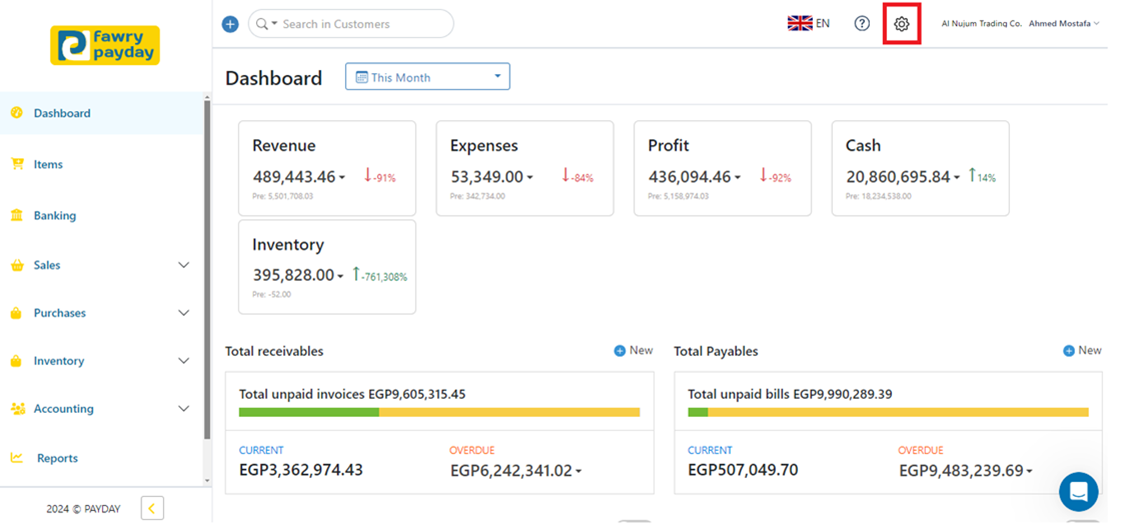
1- Navigate to the toolbar menu and click on the gear icon (Settings)
2- Scroll down to find “Organization profile” and click on it.
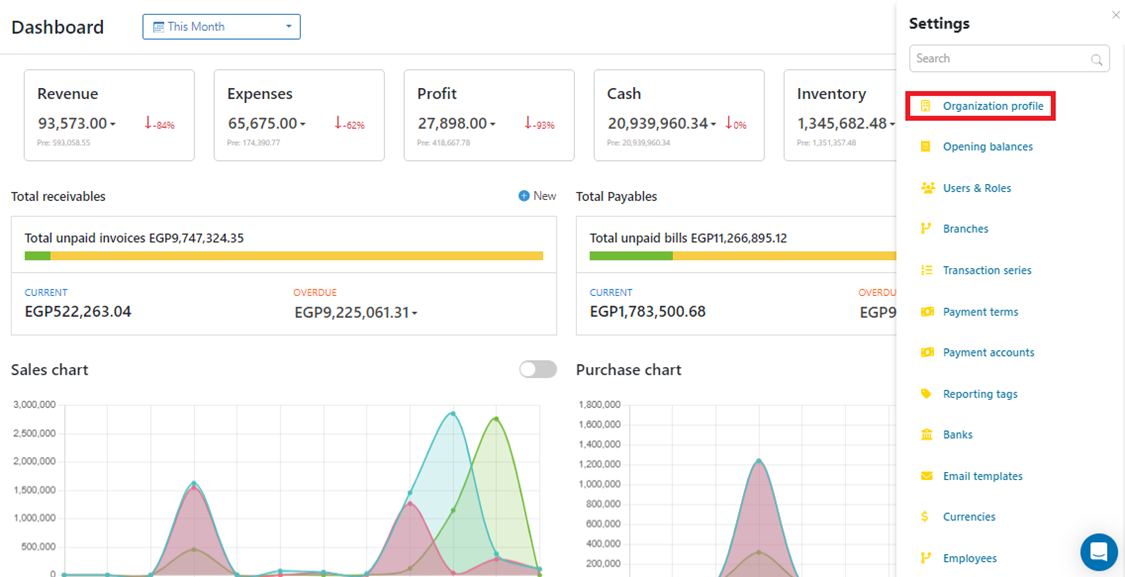
Alternatively, you can search for “Organization Profile” using the search box then click on it.
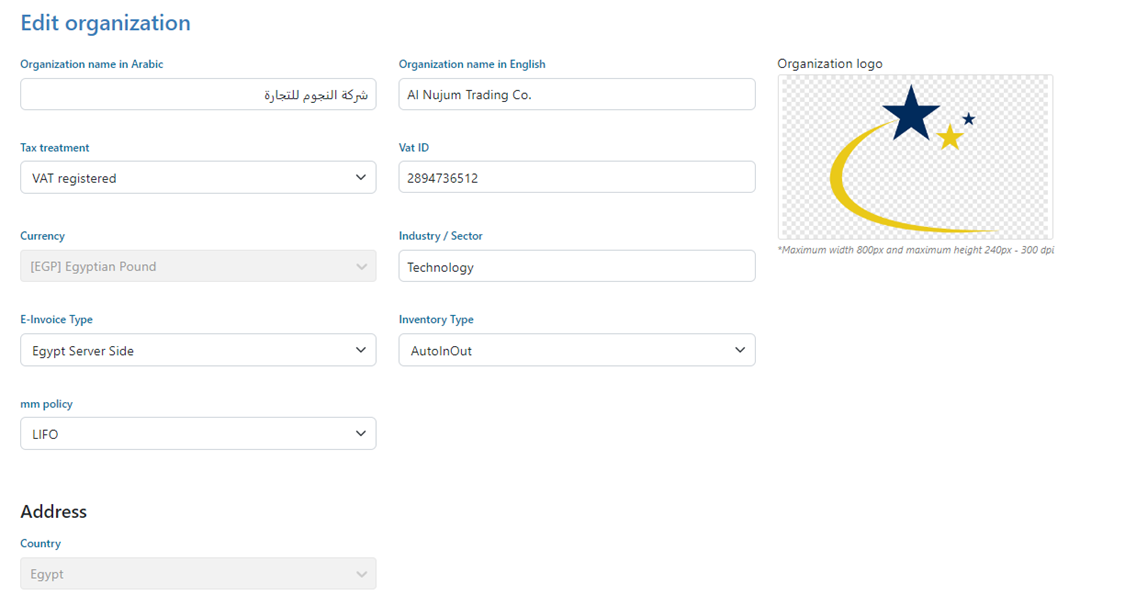
3- Edit the organization’s Details as follows:
-
· Organization Name: Enter the name of your organization.
-
· Tax Treatment: Select whether the organization is VAT registered from the options—see how to manage VAT.
-
· VAT ID: If VAT registered, enter the VAT ID.
-
· Currency: Select the main currency of the organization from the available currencies—see how to add currencies.
-
· Industry / Sector: Write the organization’s industry.
-
· E-Invoice Type
-
· None: No E-invoice functionality enabled.
-
· Egypt Client Side: E-invoicing handled on the client side in compliance with Egyptian regulations.
-
· Egypt Server Type: E-invoicing processed on the server side in accordance with Egyptian requirements.
-
· Saudi Arabia: E-invoicing configured to meet Saudi Arabian regulations.
-
· Address: Enter the address of the organization.
-
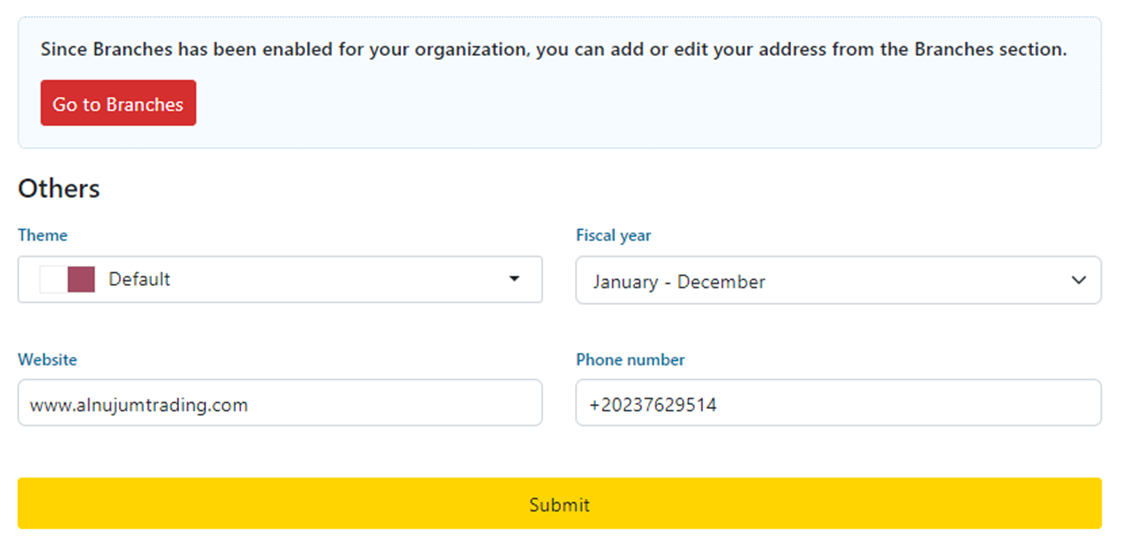
· Others
-
Theme: Select the theme for the organization’s profile.
-
Fiscal Year: Select the start and end dates of the fiscal year from the date picker—see how to set fiscal year.
-
Website: Enter the organization’s website URL.
-
Phone Number: Enter the organization’s phone number.
-
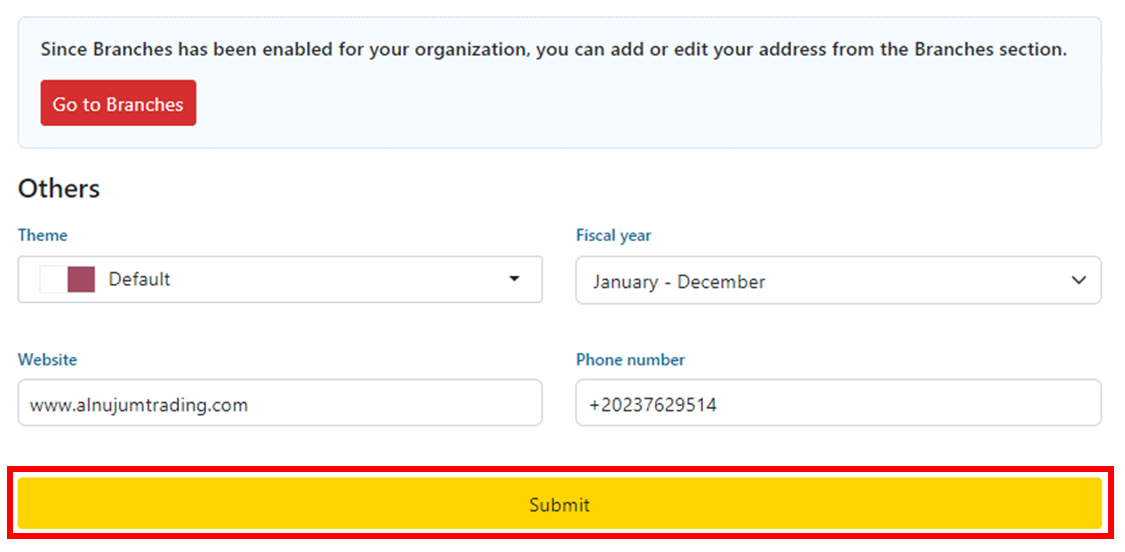
4- Click on “Submit”